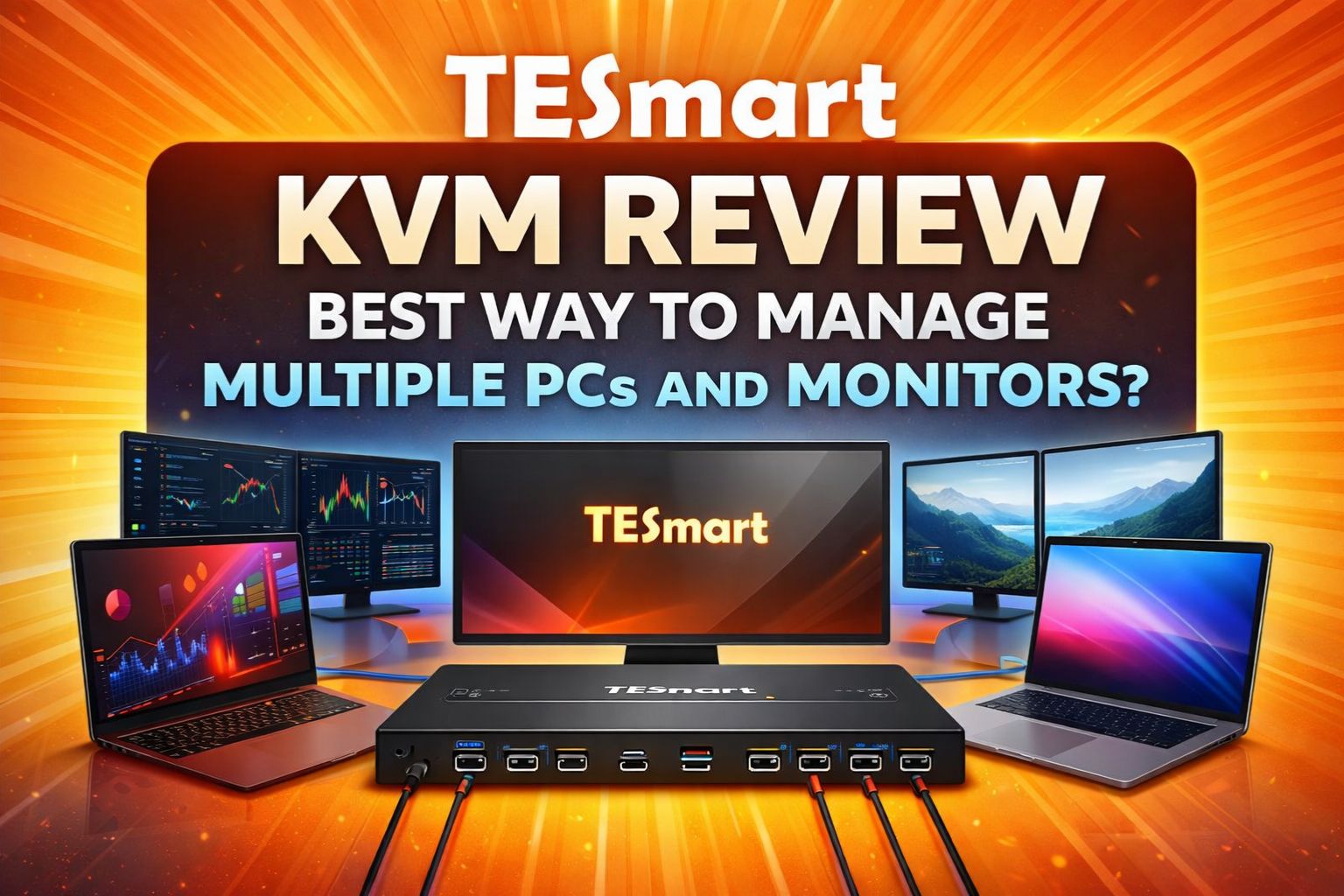
If you are a software engineer, a day trader, or a creative professional, your desk probably looks like a high-tech battlefield. You have a powerful desktop for heavy lifting, a MacBook or laptop for remote work, and at least two monitors.
The problem? The “cable spaghetti” and the constant, annoying ritual of reaching behind monitors to switch inputs.
In this TESmart KVM review, we dive deep into one of the most respected brands in the A/V switch industry to see if their 2026 lineup can truly streamline your workflow and reclaim your desk space.
The Struggle of the Modern Desk: Why You Need a KVM
Most professionals suffer from “peripheral fatigue”—the need to have two keyboards and two mice just to manage two computers. A KVM (Keyboard, Video, Mouse) switch is supposed to solve this, but many cheap units found on Amazon often lead to flickering screens, dropped USB connections, and the dreaded “window reshuffle” every time you switch.
TESmart, founded in 2013, has built its reputation on professional-grade hardware tailored for home office consumers. Unlike generic switches, TESmart focuses on signal integrity and specific features that power users actually need.
Expert Verdict: If you value stability and high-resolution output (4K/8K) without the headache of reconnecting devices, TESmart is currently the gold standard for mid-to-high-end KVM solutions.
Why TESmart? Key Features That Set Them Apart
1. EDID Emulation (The Game Changer)
The biggest “pro” of a TESmart KVM is EDID Emulation. In standard KVMs, when you switch from PC A to PC B, PC A “thinks” the monitor has been unplugged. All your open windows fly over to your laptop screen or resize into a corner.
TESmart’s EDID technology sends a fake signal to the inactive PC, making it believe the monitor is still connected. When you switch back, your windows are exactly where you left them.
2. True 4K@144Hz and 8K Support
For gamers and video editors, refresh rate is everything. TESmart’s 2026 models support:
- HDMI 2.1: Delivering 4K@144Hz for buttery smooth motion.
- DisplayPort 1.4: Supporting 8K@60Hz for ultra-high-definition professional work.
3. Integrated Docking Station Features
Modern TESmart KVMs aren't just switches; they are 7-in-1 or 9-in-1 hubs. They include shared USB 3.0 ports, dedicated keyboard/mouse ports, and even audio/microphone jacks, allowing you to share a single webcam or printer across all connected computers.
Deep Dive: Which TESmart KVM Fits Your Setup?
1. The Power User's Choice: DKS Series (DisplayPort)
- Best for: Graphic designers and PC enthusiasts.
- Highlight Model: DKS202-M24
- This model is a beast. It supports dual monitors via DP 1.4 at 8K@60Hz. It includes G-Sync and FreeSync compatibility, ensuring that your gaming performance isn't throttled by the switch.
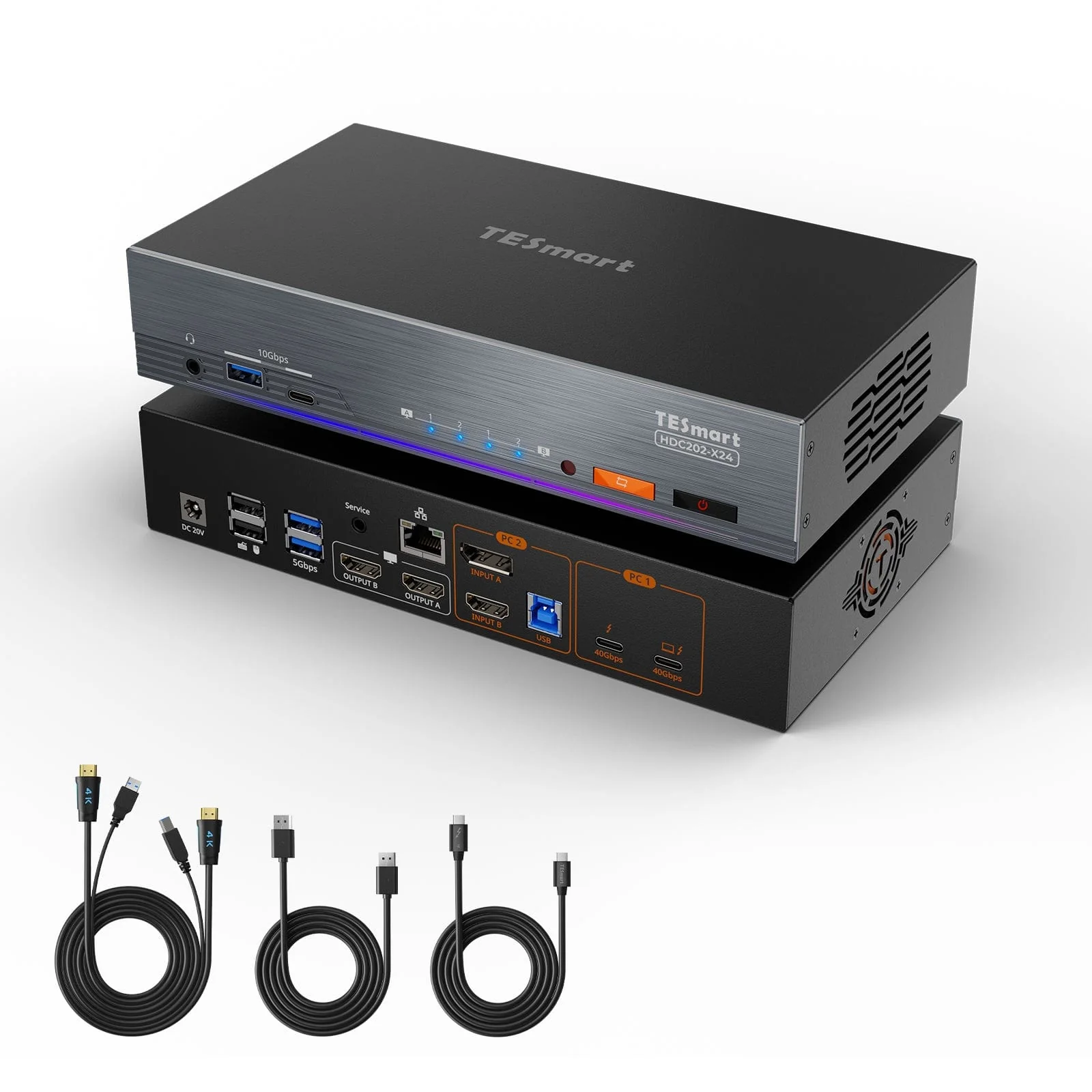
2. The Hybrid Worker’s Dream: HDC Series (USB-C + HDMI/DP)
- Best for: Users with one Desktop PC and one Laptop (MacBook/Windows).
- Highlight Model: HDC202-P23
- This “Hybrid” dock is perfect for the modern workforce. You connect your desktop via HDMI/DP and your laptop via a single USB-C cable. It provides 100W Power Delivery (PD), meaning it charges your laptop while handling the video signal.
3. The Ultimate Gaming Setup: HKS Series (HDMI 2.1)
- Best for: PS5/Xbox Series X and high-end Gaming PCs.
- Highlight Model: HKS202-M24
- With 48Gbps bandwidth, this KVM supports VRR (Variable Refresh Rate) and ALLM (Auto Low Latency Mode). It’s essentially future-proof for the next generation of consoles and GPUs.
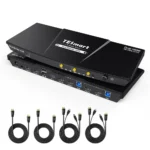
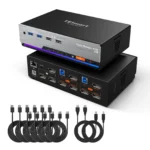
Performance & Real-World Testing
Switching Speed
In our testing, the transition between computers takes approximately 2 to 3 seconds. This is remarkably fast for a high-resolution switch. You can trigger the switch via:
- Front-panel buttons.
- Keyboard Hotkeys (configurable).
- The included IR Remote Control.
Video & Signal Integrity
TESmart supports 4:4:4 Chroma Subsampling. This is critical for text clarity. Many cheaper KVMs compress the signal to 4:2:0, which makes text look “blurry” or “fringed” on high-resolution screens. With TESmart, the 4K output is pixel-perfect.
Pros and Cons
Pros
- Build Quality: Solid metal chassis that acts as a heat sink.
- Compatibility: Works seamlessly with Windows, macOS, and Linux.
- Included Cables: Most kits include all the specialized cables you need in the box.
- Warranty: 1-year standard warranty + 2 extra years upon registration.
Cons
- Price: It is an investment (ranging from $200 to $600).
- Remote Control: Requires a direct line of sight as it uses Infrared (IR).
- Size: These units have a footprint; you’ll need some desk space to house them.
TESmart vs. The Competition
- VS. Cheap Amazon Brands: TESmart wins on EDID and USB stability. Cheap switches often “drop” the mouse connection or cause screen flickering.
- VS. Enterprise Brands (Level1Techs/StarTech): TESmart offers a more “consumer-friendly” UI and better pricing for the average home office user while maintaining similar performance levels.
Final Verdict: Is a TESmart KVM Worth It?
If you spend 8+ hours a day in front of multiple screens, the answer is a resounding yes. The time saved from not fumbling with cables and the mental peace of having an organized desk is worth the premium price.
TESmart provides a level of technical reliability that “budget” switches simply cannot match, especially regarding high refresh rates and window management (EDID).
Ready to Upgrade Your Workspace?
Don't let cable clutter kill your productivity. Choose the model that fits your ports and enjoy a seamless transition between your work and personal life.
🚀 Shop TESmart KVM Switches - Official Store
FAQ
Q: Does TESmart support mechanical keyboards? A: Yes. While some KVMs struggle with high-power mechanical keyboards, TESmart provides a dedicated USB hub port that provides enough power for RGB keyboards and gaming mice.
Q: Will it work with my M1/M2/M3 MacBook? A: Absolutely. We recommend the HDC or CKS series for Mac users to take advantage of the USB-C MST (Multi-Stream Transport) capabilities.
Q: How do I get the 3-year warranty? A: Every TESmart purchase comes with a 1-year warranty. You can unlock an additional 2 years by registering your product on their official website after purchase.